
Recently, I was contacted by Moses Gitari of GeeksModo Limited asking if I wanted to look at NoteTell Money Reader. NoteTell Money Reader is an iPhone application that is designed to help people who are blind or have low vision identify money in real time. NoteTell doesn’t require an internet connection, so it identifies bills anywhere, at any time. The app is designed to work indoors, outdoors, and even in total darkness. When your environment is too dark to identify bills, NoteTell turns the flashlight on automatically.
According to the NoteTell website, the app was developed by GeeksModo Limited, a technology company, in 2026.
I was given a code from Mr. Gitari to download the app for free. I told Mr. Gitari that receiving the app for free would not influence my review. I redeemed the code, downloaded the app to my iPhone 16 Pro Max, and started testing.
To use NoteTell, you start the app and move the bill to be identified in front of the rear camera—no special positioning or tapping required. First, I grabbed the $5 bill that one of my dogs used as a chew toy. Before I was able to situate the iPhone over the bill, it caught a piece of it and started to speak, “Five US dollars. Five US dollars. Five US dollars.” While the bill is identifiable, NoteTell will speak the denomination until you move the bill out of view. I moved the bill, turned it over with the same result. The bill was turned upside down, folded, moved in sideways, and NoteTell identified the bill when about one-sixth of the bill covered the screen. Besides speaking the denomination, the value appears on the screen as well, in large, high-contrast numbers, so a person with low vision can read it and hear it at once.
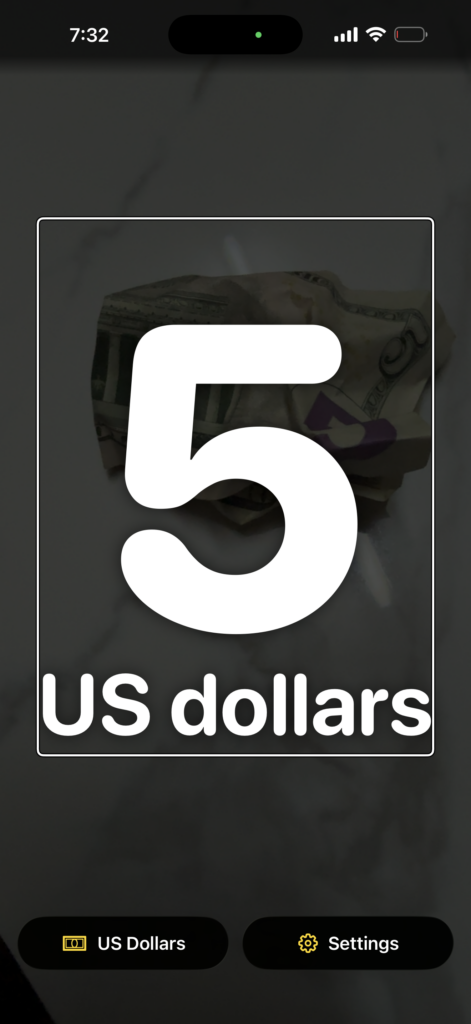
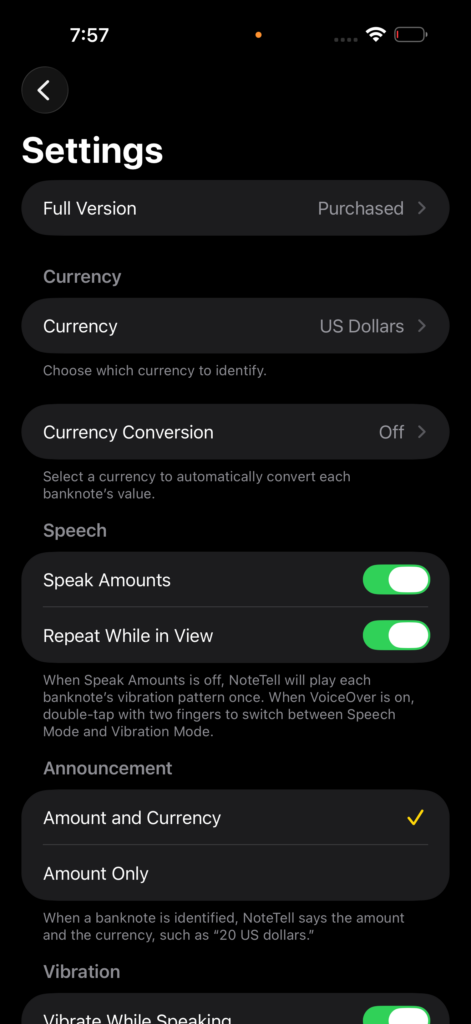
To say I was impressed with NoteTell Money Reader’s performance would be an understatement. I had to try more. Using the money in my pocket, the app identified each bill under one second. It did not matter whether I used the front, back, turned the note upside down, sideways and even crumpled a $5 bill, all were identified.
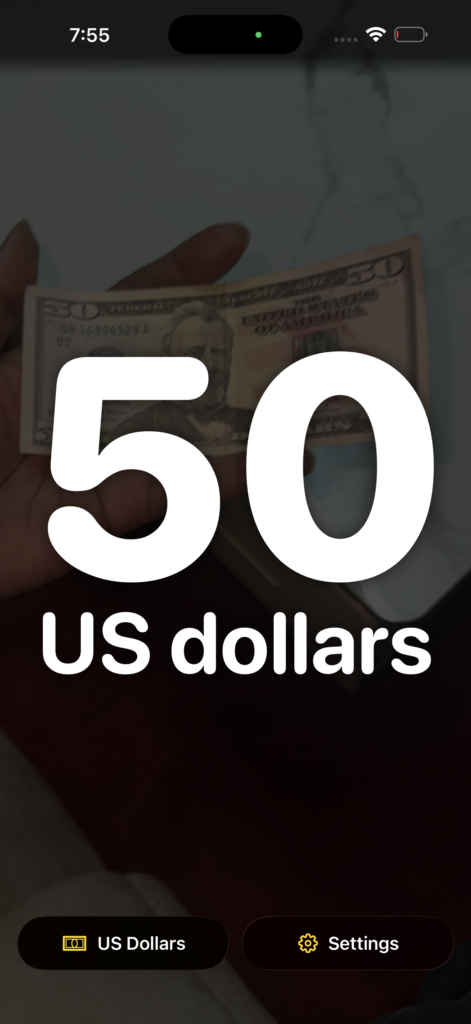
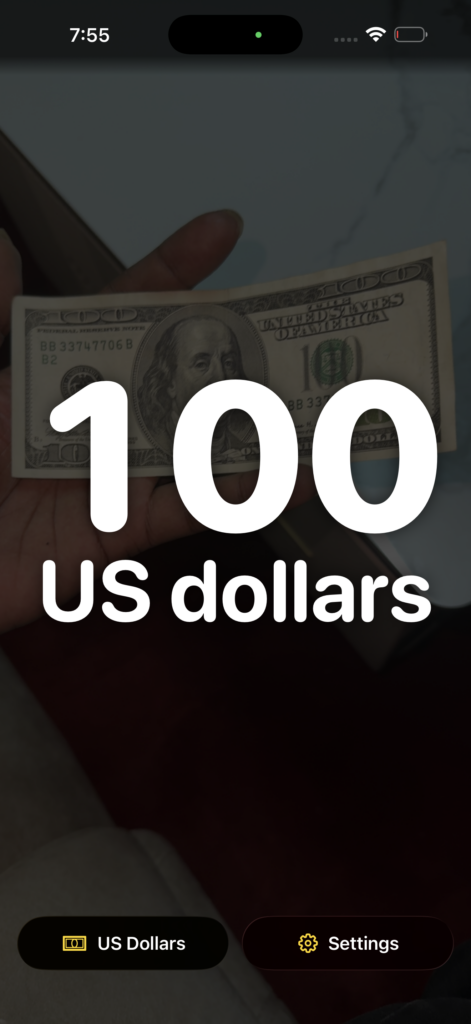
I tried to think about ways to fool the app. Rather than trying to identify a $20 bill, I tried folding it to make the “20” look like something else. No matter what I tried, NoteTell identified it as a $20 bill. A small pile of bills was also identified. NoteTell was also able to identify the last three generations of small $20 notes and a $1 note with a stamp and postmark from 1988. No matter what I tried to do, I could not confuse NoteTell.
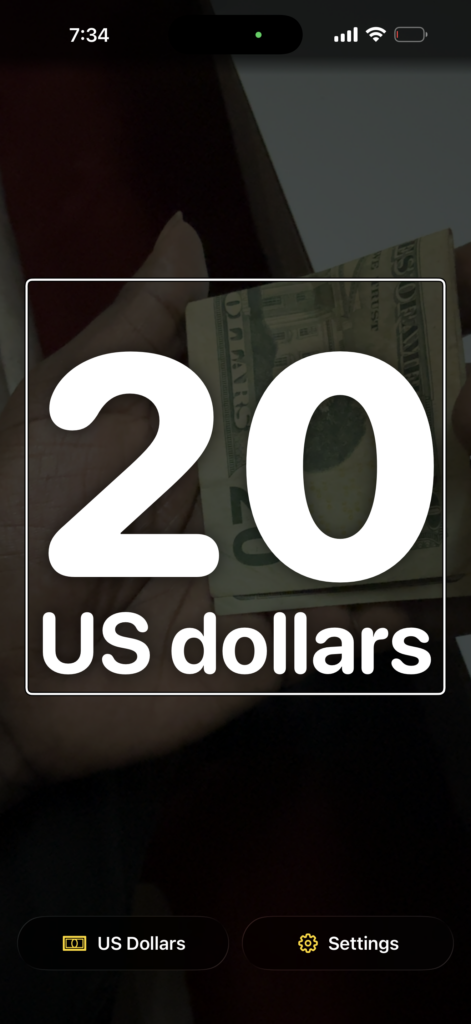
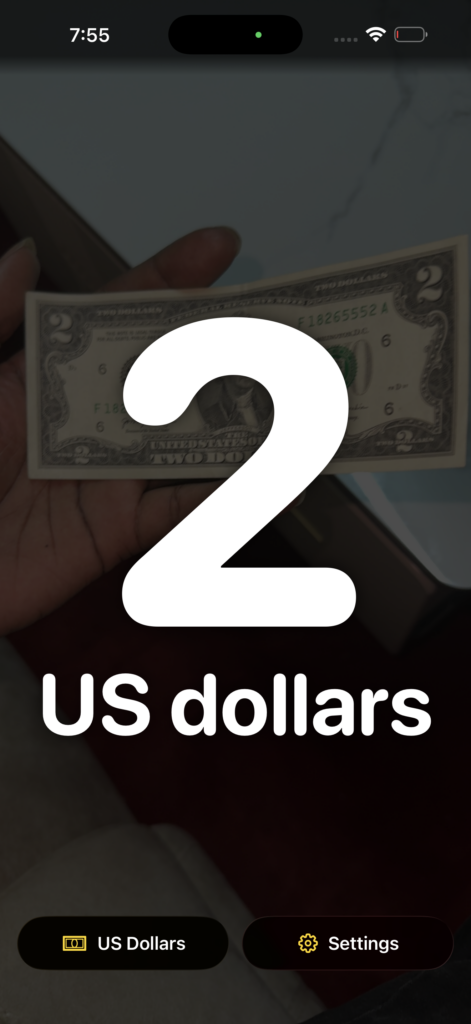
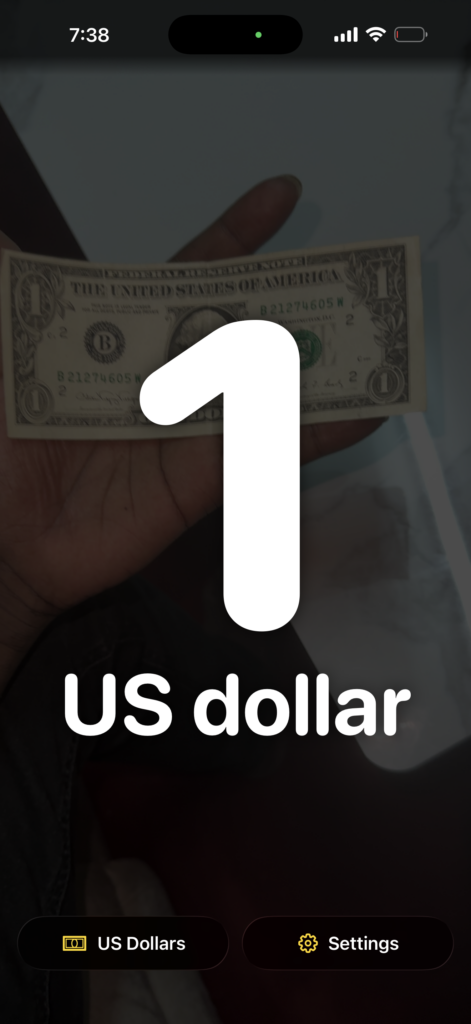
When I started to test NoteTell, it was during the day and the sun was out. The room I was in had the shades open. A few moments later a storm rolled in and the room darkened. NoteTell was able to turn on the flashlight automatically and continue working.
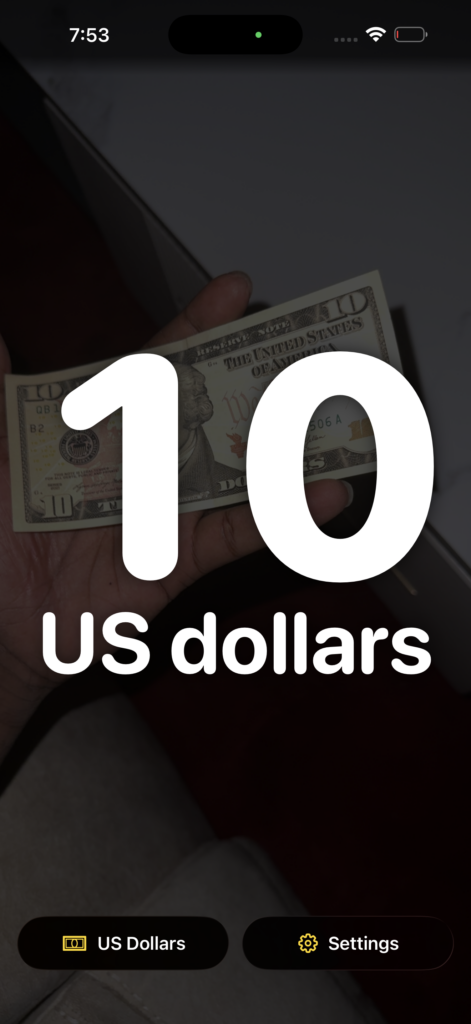
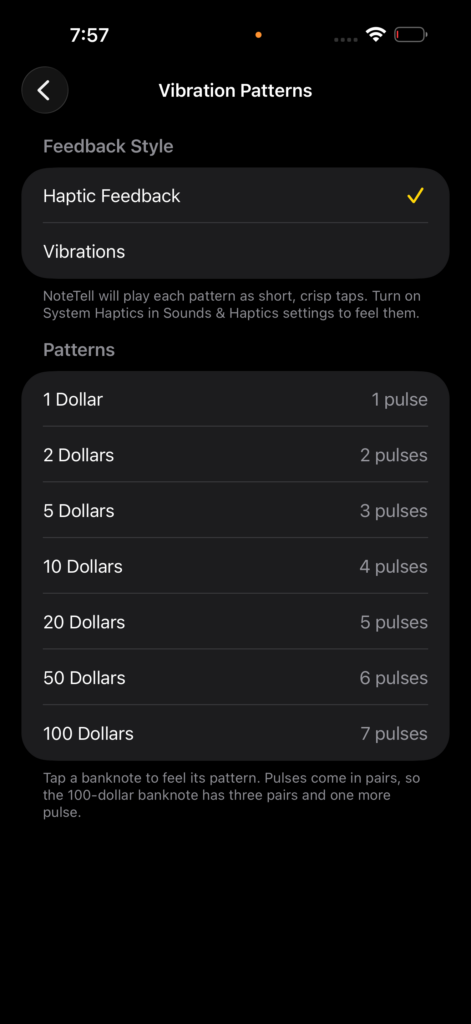
Next, I wanted to see what NoteTell could do without speaking. In Settings, I turned on Vibration Mode, and the voice went quiet. Each bill has its own vibration pattern, and the Vibration Patterns page in Settings let me feel each one before I tried it. After a few minutes, I could tell my $1 from my $20 by feel alone. That would be handy at a coin show or anywhere a talking phone is not welcome.
I also tried Siri. I said, “Identify US dollars with NoteTell,” and NoteTell opened, ready for the first bill. No hunting for the app on my Home Screen.
I tried to identify multiple bills lying on a table or held in my hand. With similar notes, it was difficult to tell which note it was identifying. I used a set of $5 and $1 notes. While flipping the folded bills in my hand, NoteTell would identify the $1 I had just flipped and not the $5 note on top. It would be nice if the app could highlight or somehow indicate which note is being identified. When I made this comment to Mr. Gitari, he said this is a planned future enhancement.
On a whim, I pointed NoteTell at my computer screen with an image of a $1 Silver Certificate. To my surprise, NoteTell identified the blue-sealed bill properly!
NoteTell is not limited to US dollars. According to the NoteTell website, it also identifies British pounds, euros, Turkish lira, South African rand and more.
NoteTell Money Reader is fast, accurate, and easy to use. It does not need instructions because it just works. I love apps that just work! I also cannot believe the Full Version is a one-time $14.99 purchase. It is worth every cent and more! I grade this app PR69+. As we numismatists know, proof coins are specially made coins with high quality dies and planchets. NoteTell Money Reader gives the appearance of specially made software of a very high quality justifying the PROOF grade. NoteTell Money Reader gets the plus rating because of its superior performance and providing the “that’s neat” response. The slight confusion in identifying multiple notes in front of the camera prevents me from giving it a perfect PR70.
Download NoteTell Money Reader on the App Store:
https://apps.apple.com/us/app/notetell-money-reader/id6830920011
